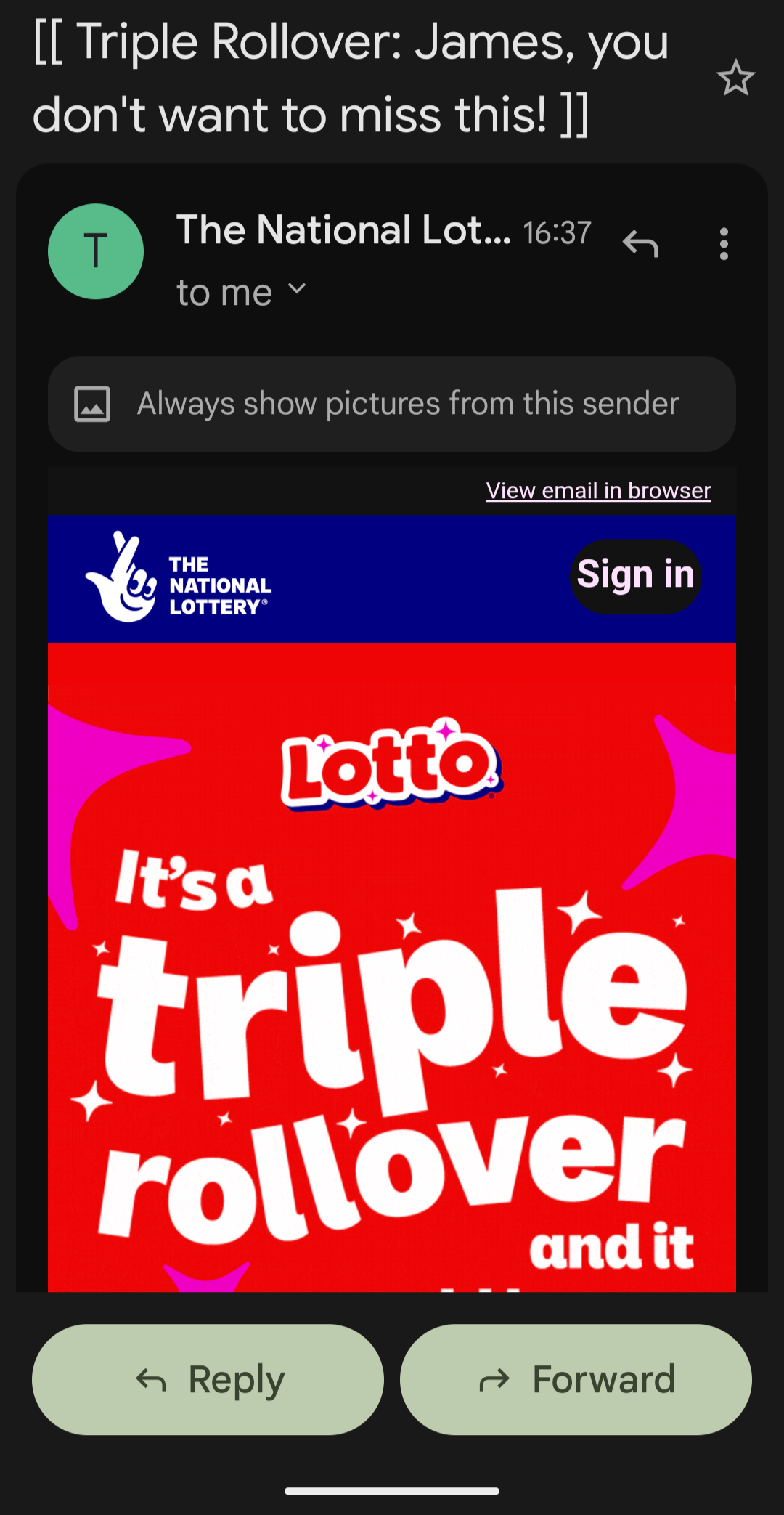
We’ve all seen them.
The “you’ve won something” email. The “urgent account issue.” The “click here now or else.”
Some are laughably bad. Others are just convincing enough to trip people up—especially when you’re busy, distracted, or scrolling quickly. They are scam emails quite empliy.
Here’s the uncomfortable truth:
Most scam emails don’t rely on sophistication. They rely on you not paying attention.
🚨 The #1 Rule: Slow Down
Scammers are counting on one thing—speed.
You glance.
You assume.
You click.
That’s it. That’s the whole game.
If you do nothing else, do this:
Pause and actually read what’s in front of you.
Not skim. Not assume. Read.
👀 The “Looks Legit” Trap
Your brain is brilliant at pattern recognition—and scammers exploit that.
You see:
- “Microsoft”
- “PayPal”
- “National Lottery”
…but what it actually says might be:
- Microsaft
- PaypaI (that’s a capital “i”, not an “L”)
- NationaI Lottery (again, sneaky letters)
At a glance, it passes.
At a second look, it falls apart.
👉 If you read it properly, most scams expose themselves in seconds.
🔍 Check the Email Header (It Takes 5 Seconds)
This is one of the easiest and most reliable checks—and hardly anyone uses it.
How to do it:
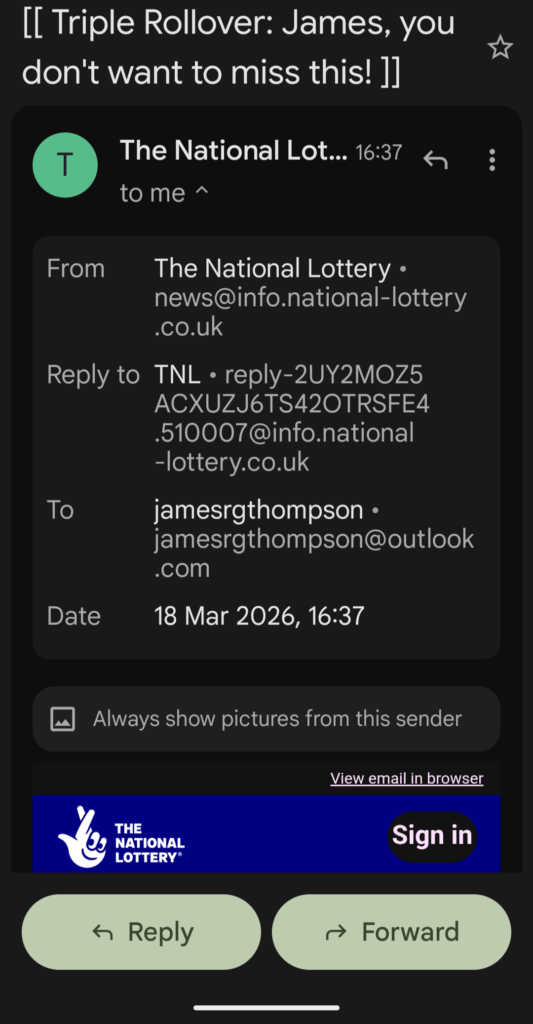
- Tap/click the sender name at the top of the email
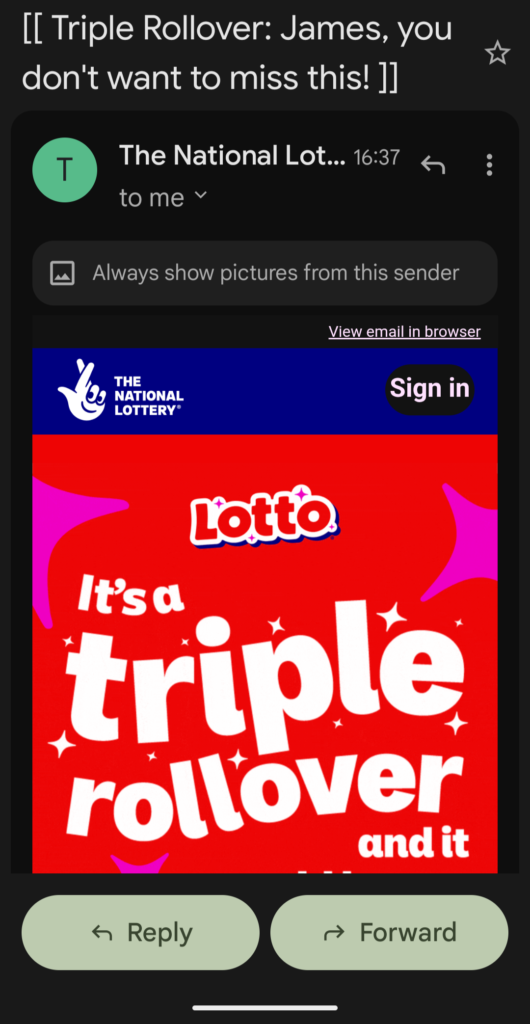
- Expand details (you’ve already done this in your screenshot)
What to look for:
1. The actual email address
Ignore the display name (“The National Lottery” etc.) and look at the real address.
Ask yourself:
- Does it match the official domain exactly?
- Is anything slightly off?
Even tiny differences matter.
2. The “Reply-To” address
This is a big one.
If you see something like:
- A long random string
- A completely different email address
- Something that looks auto-generated or messy
👉 That’s a red flag.
Legit companies don’t hide behind weird reply addresses.
3. Weird formatting or inconsistencies
Things like:
- Odd spacing
- Broken layout
- Random capitalisation
- Poor grammar
These are classic signs.
Big organisations don’t send emails that look like they were thrown together in 10 minutes.
🧠 Use Common Sense (Seriously)
Ask basic questions:
- Did I actually enter a lottery?
- Was I expecting this email?
- Why are they pushing urgency?
- Why do they want me to click something right now?
If anything feels off, it probably is.
⚠️ What Scammers Want
They don’t care if you believe the whole story.
They just need you to do one thing:
- Click a link
- Enter your login details
- Download something
- Reply with personal info
That’s it.
✅ The Simple Safety Checklist
Before you trust any email:
- Read it properly (not quickly)
- Check the sender address
- Check the reply-to address
- Look for spelling tricks (Microsaft-style nonsense)
- Ask: Was I expecting this?
If anything fails → bin it
👍 Final Thought
The scary part isn’t how clever scams are.
It’s how often they work because people:
- skim instead of read
- assume instead of check
- react instead of think
You don’t need to be technical to stay safe.
You just need to slow down and actually look at what’s in front of you.
That alone puts you ahead of most people.
Leave a Reply