FAQs
Charging Port Repair Guide | Fix Phone Charging Issues Fast
Looking for more details about our services, pricing, or repairs? Our FAQ section covers everything you need to know. If you can't find what you're looking for, feel free to reach out – our team is here to assist you with any queries you may have. We’re committed to providing clear and helpful information to make your experience as smooth as possible

Trust.
Quality.
Expertise.
Innovation.
🔌 Charging Port Repair Help Guide
How to Fix Charging Problems & Keep Your Phone Powered
Is your phone not charging properly?
If your phone only charges at certain angles, keeps disconnecting, or won’t charge at all, the charging port is usually the problem — not the battery.
In most cases, it doesn’t need replacing.
At least 8 out of 10 charging port “repairs” we see are just dirt and lint compacted inside the port.
This page will help you:
Identify what type of charging port your phone has
Understand the most common charging port problems
Safely clean your charging port at home
Know when a replacement is actually needed
If at any point you’re unsure, you can stop — we’re happy to help.
Common Types of Phone Charging Ports
Knowing which port your phone uses helps avoid damage and confusion.
🔹 Lightning (Apple)
Used on all iPhones up to and including iPhone 14
iPhone 15 and newer use USB-C
🔹 USB-C
Used on most modern Android phones
Used on newer iPads
Now standard on iPhone 15 onwards
Designed to reduce cable waste and improve durability
🔹 Micro-USB
Found on older Android phones and tablets
Largely phased out and replaced by USB-C
The Most Common Charging Port Problems
Charging ports fail for very predictable reasons:
1️⃣ Dirt & Lint Build-Up (Most Common)
Pocket lint, dust, and debris compress at the bottom of the port over time.
This prevents the cable from fully clicking in — even though it looks connected.
👉 This is by far the most common issue
👉 Usually fixed with a careful clean
2️⃣ Loose Charging Port
If the cable:
Falls out easily
Only charges when held at an angle
The port may be loose due to wear or internal damage.
3️⃣ Physical Damage
Bent or broken pins are often caused by:
Using the phone while it’s charging
Stretching the cable because the socket is too far away
Someone catching the cable and ripping it out
Signs Your Charging Port Needs Attention
You may have a charging port issue if you notice:
Intermittent charging
Slow charging or no charging
Cable wobbling or disconnecting
Visible damage inside the port
If you’re seeing these signs, start with cleaning before considering replacement.
What You’ll Need (For Cleaning Only)
If the issue is dirt or lint, you only need:
A fine-pointed pair of tweezers
That’s it.
No liquids. No sprays. No compressed air.
How to Clean Your Phone’s Charging Port (Safely)
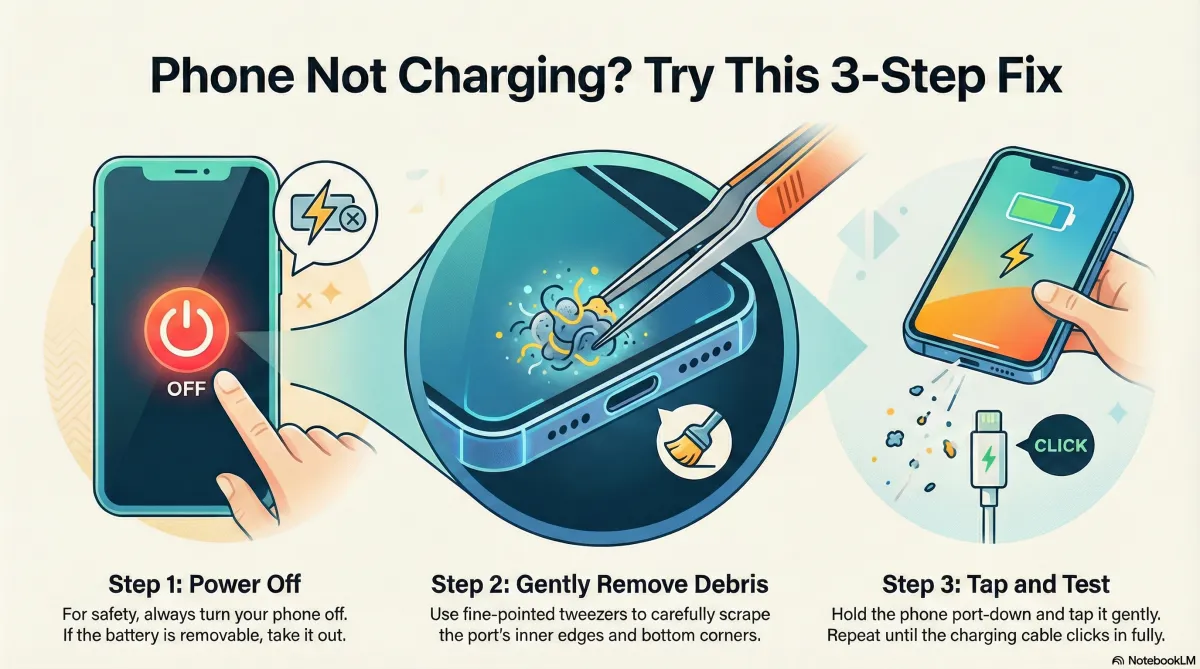
Step 1: Power Off Your Phone
Always turn the device off first.
If the battery is removable, remove it.
Step 2: Carefully Remove Debris
Use the tweezers to gently scrape around the edges of the port
Focus on the bottom corners, where lint compacts
You will feel debris coming away, even if you can’t see it
💡 A magnifying glass and strong light help — but aren’t essential.
Step 3: Tap Out the Debris
Hold the phone port-side down
Tap it gently on a hard surface
Debris will fall out
Repeat cleaning and tapping until the charging cable fully inserts and clicks in.
⚠️ Charging ports often feel slightly loose by design —
As long as the phone doesn’t disconnect while charging, it’s fine.
Check for Physical Damage
If cleaning doesn’t solve it:
Look for bent pins or damaged connectors
Minor bends can sometimes be straightened very gently
If anything looks broken, stop — replacement may be required
When a Charging Port Replacement Is Needed
Replacement is only necessary if:
Pins are broken
The port is loose inside the phone
Cleaning makes no difference
Charging port replacement involves full device disassembly and micro-soldering on some models — this is not a beginner DIY job.
If you’re unsure, let a professional handle it.
How to Prevent Charging Port Problems
A few habits make a big difference:
Plug and unplug gently
Avoid using the phone while charging
Keep cables short and strain-free
Clean the port occasionally
Keep phones out of dusty pockets
Avoid moisture
Need Help?
If you don’t want to risk it:
If a replacement is needed, we’ll tell you honestly
Charging Port Replacement starts at £35 and go upto over £100 so
booking a port clean for £10 if you can't face doing it yourself is the place to start
No pressure. No unnecessary repairs.
Related Help Guides


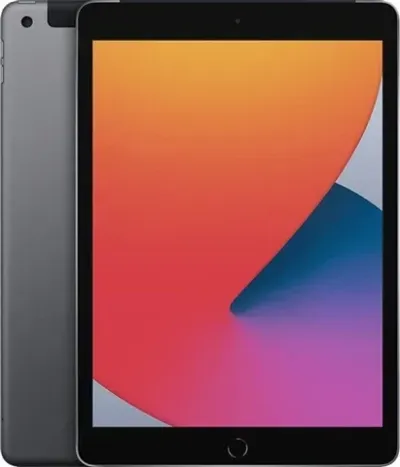
Apple iPad 9th Gen 10.2" 32GB - Space Grey, Grade A/B
Currently unavailable
Quantity




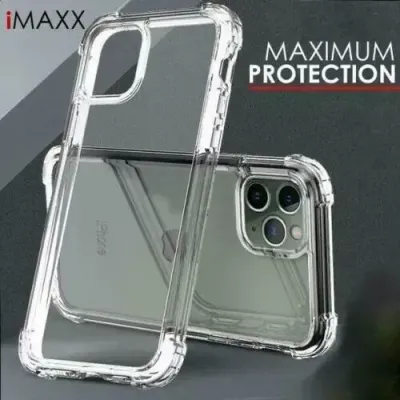
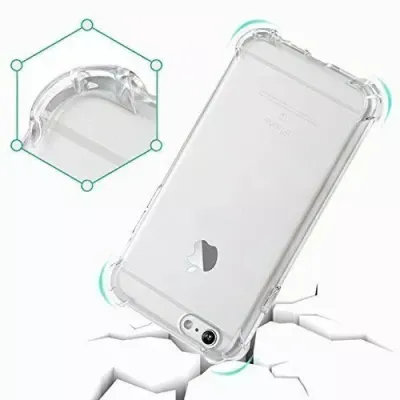
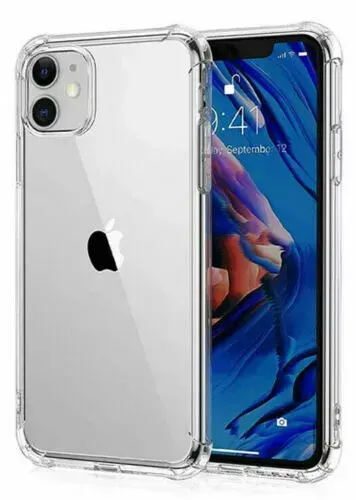
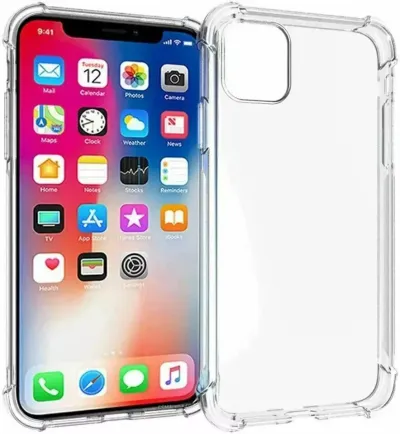
iPhone 17 Series Clear Durable Case
£7.00
£10.0030% offChoose Model
Model
Quantity
1. How long will my phone repair take?
The time required for a repair depends on the type of issue your device is facing. For common repairs like screen replacements or battery changes, it typically takes between 30 minutes to 2 hours. More complex issues may take a bit longer, but we’ll always provide an estimated timeline when you bring your phone in.
2. Do you offer a warranty on repairs?
Yes, we offer a warranty on all our repairs. Depending on the type of repair, our warranty ranges from 30 days to 1 year. If there’s an issue with the repair within the warranty period, we’ll fix it free of charge.
3. Can you fix my phone if it has water damage?
Yes, we specialize in repairing water-damaged devices. While we can’t guarantee a 100% fix, our technicians will carefully assess the damage and do everything possible to restore your phone to working condition.
4. Do I need an appointment for a repair?
While appointments are not required, we recommend scheduling one to ensure you get quick and efficient service. Walk-ins are always welcome, but booking an appointment helps reduce wait times.
5. Will you use original parts for repairs?
We use only high-quality replacement parts for all repairs. While we strive to use original parts whenever possible, we also offer premium quality third-party components that meet the same standards as the original parts.
6. Is it cheaper to repair my phone or buy a new one?
In most cases, repairing your phone is much more cost-effective than buying a new one. Many common repairs, such as screen replacements or battery changes, are affordable and can extend the life of your device. Our team will always provide a fair quote before proceeding with any repairs.
7. Can you repair phones from all brands?
Yes, we specialize in repairs for all major phone brands, including Apple, Samsung, Google, Huawei, and more. Our technicians are well-trained and experienced in handling a wide variety of devices, so you can trust us to fix your phone, no matter the brand.
We are a repair centre,
NOT a phone shop
We specialize in providing comprehensive mobile repair services to help you get the most out of your device. Whether it’s screen repairs, battery optimization.

Your trusted partner for fast, reliable, and affordable mobile repairs. We’re here to keep your device in top shape, so you stay connected.

Quick links
Services
© Mend My iPhone. 2026. All Rights Reserved. There is NO authority but YOURSELF